

How to Split PDF Online Free The Ultimate Beginner’s Guide with pdftoolnest.com
Do you have a long PDF file and just need a few pages from it? Or maybe your PDF is too large to send via email or WhatsApp? In both cases, the solution is simple: split PDF online free. And if you’re wondering how to do it quickly, securely, and without any tech skills — you’re in the right place. In this complete guide, you’ll learn:- What it means to split a PDF online free
- Why splitting PDFs is useful for everyone — students, professionals, and even grandparents!
- Step-by-step tutorials using pdftoolnest.com (our top pick)
- Free tool evaluation: Smallpdf, iLovePDF, PDF24, PDFsam, and more
- Extra tips to save time and protect your data

🚀 What Does Split PDF Online Free Actually Mean?
Splitting a PDF means separating one large PDF file into smaller files — either by page numbers or specific sections. Example:- A 100 page ebook → split into 10 parts 10 pages for each
- A scanned contract → extract just pages 2–4 and send it
- A resume with multiple sections → share only the relevant ones
✅ Why Should You Split PDF Online Free?
Here are just a few everyday reasons:- 📩 Email Attachment Limits: Many platforms like Gmail or WhatsApp limit file size.
- 👨🏫 Students: Need to extract only the syllabus or notes.
- 💼 Office Use: Send only relevant pages of a report or proposal.
- 📄 Personal Organization: Break long documents into readable chunks.
🔧 The Easiest Way: Split PDF Online Free with pdftoolnest.com
Let’s start with the most user-friendly and reliable tool: 👉 PDFToolNest.com – Split PDF Tool We made it our first priority because it’s:- 100% Free
- No account or email required
- Lightning-fast
- Mobile & desktop friendly
- Secure – files auto-delete
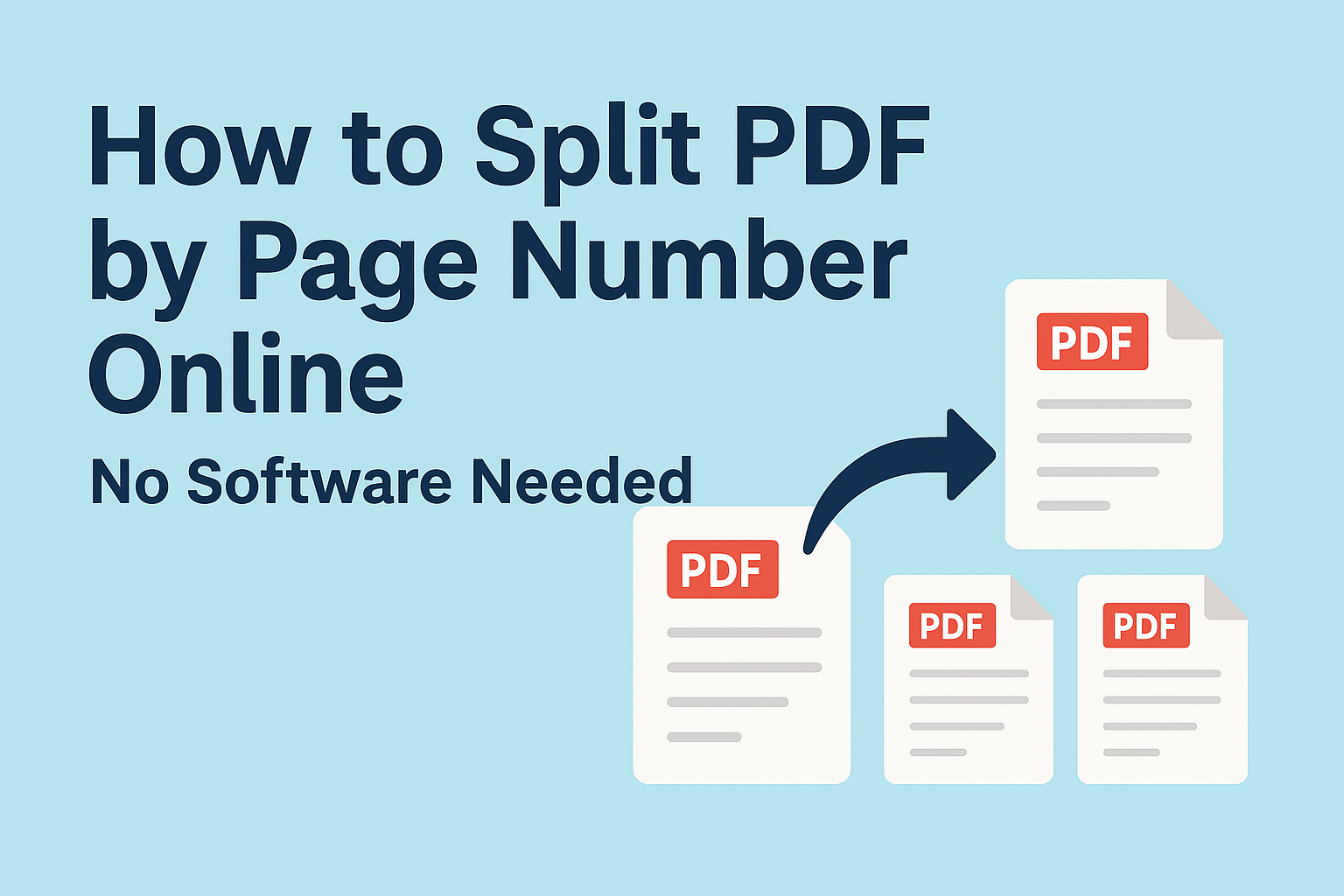
✅ How to Split a PDF on pdftoolnest.com (Step-by-Step)
- Go to: https://pdftoolnest.com/split-pdf
- Click “Upload PDF File”
- Select your file from device or drag-drop it
- Choose how to split:
- By range (e.g. pages 1–3, 4–6)
- Into equal parts (e.g. 3 PDFs from a 9-page file)
- Click “Split Now”
- Download your files instantly — no watermark, no signup
🔍 Other Trusted Tools to Split PDF Online Free
Although pdftoolnest is our top recommendation, here are other tools that offer similar services:1. SmallPDF
- Clean interface
- Drag & drop
- Some features require signup
2. iLovePDF
- Easy page selection
- Desktop version available
- Free, but ads can interrupt
3. PDF2Go
- Offers smart options like visual preview
- Slower processing time
4. PDF24 Tools
- Desktop app included
- Clean UI
- Recommended for Windows users
5. PDFsam – For Desktop
- Free open-source software
- Works offline
- Great for large batch splitting
🧠 What Makes pdftoolnest Better?
Let’s be honest — most free PDF tools are either:- Full of popups
- Force signups
- Or watermark your files 😓
- 🔓 100% Free — No hidden charges
- ✨ Clean design — Zero distractions
- 🔐 Private — Auto-delete after processing
- 📱 Mobile optimized
- 🚀 Fast & light
💡 Pro Tips When Splitting PDFs Online
- Backup First: Always keep the original file saved.
- Preview Before Split: Double-check selected pages.
- Use Mobile if Needed: All the tools listed here work on phones and tablets.
- Clear Cache for Privacy: If you’re using a public device.
- Bookmark pdftoolnest.com — It’s the most reliable and always free.
🔄 Related Tools You Might Love (Internal Links)
If you’re splitting PDFs, you might also need these:- ✅ Merge PDF Files Online
- ✅ Compress PDF File Size
- ✅ Convert Image to PDF
- ✅ PDF to Word Converter for Students
